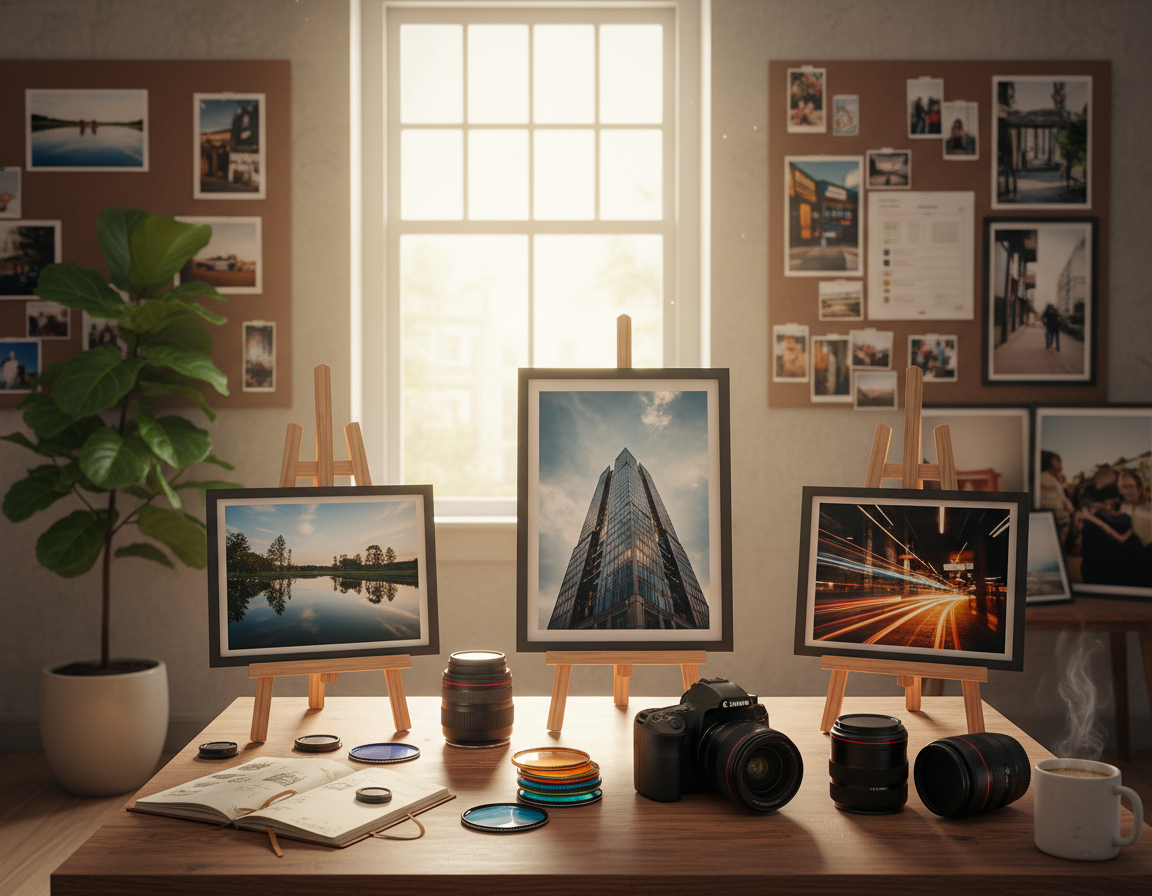
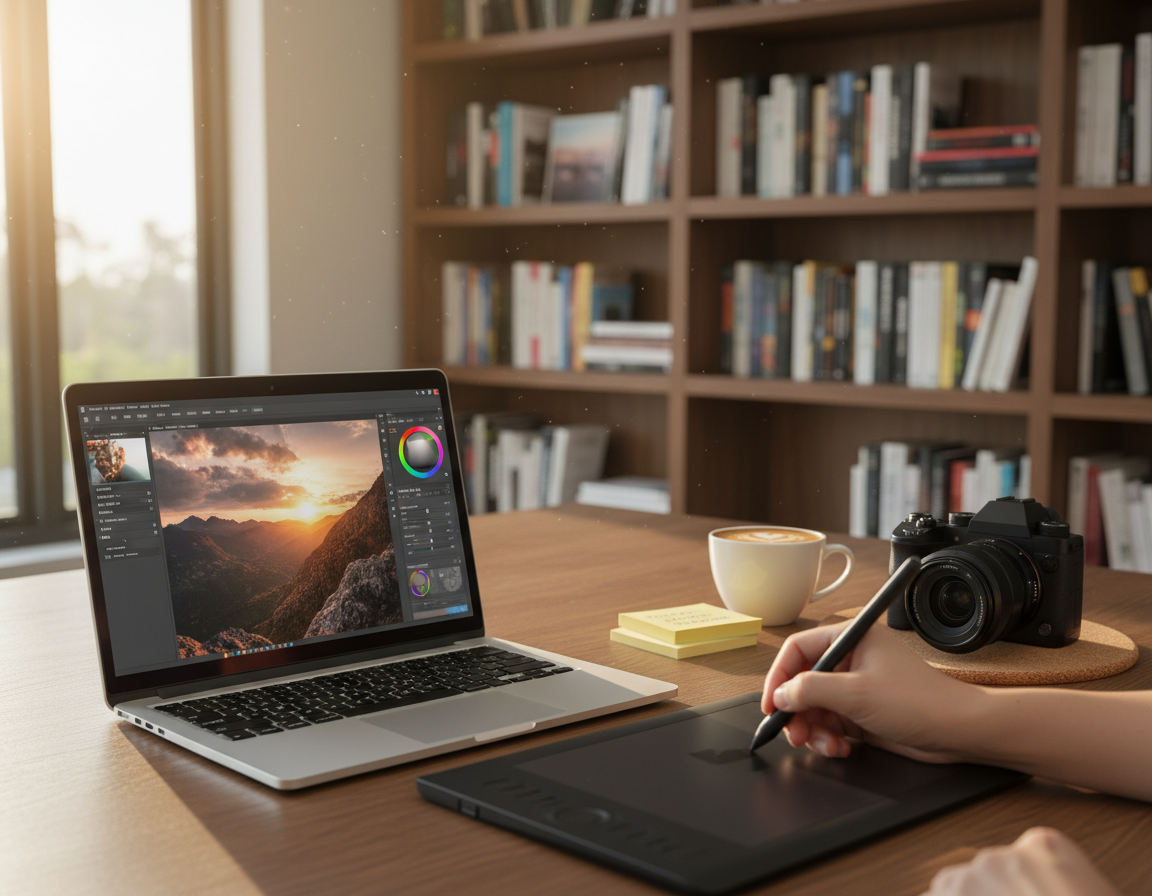
First impressions happen fast. In seconds, a potential client decides if they will keep looking. This guide shows how to craft a clear, professional portfolio that tells clients your style, skill, and services at a glance.
You will learn a step-by-step process: pick an audience, curate your best work, organize galleries, choose a simple website format, and optimize for speed and search. A small, strong set of images beats an unfocused archive every time.
Whether you are building your first collection or refreshing a mixed catalog, this approach reduces back-and-forth, builds trust, and helps clients say yes. For practical examples and technical checks, see a longer walkthrough to improve your portfolio here.
What a Photography Portfolio Is and Why It Matters for Potential Clients
A focused set of images can answer a potential client’s main questions instantly.
Define it simply: a photography portfolio is a curated collection that shows your skills, taste, and reliability at a glance. It highlights work that proves you can deliver what a brief asks for, not every favorite you’ve shot.
Busy art directors and agency teams skim fast. For potential clients, clear presentation matters more than volume. Clean navigation, working links, and up-to-date work signal an active, dependable business.
“A visual résumé”
Style and voice come through consistent lighting, composition, color, and editing choices. When images share a unified look, your work reads as a single voice and the brand becomes easier to remember.
- Show curated images that match the jobs you want.
- Avoid posting random favorites; select work that proves your abilities.
- Make it easy for clients to see what you can reliably deliver.
Next, build the collection for a specific audience. Targeting the right people makes hiring decisions faster and clearer.
Choose Your Audience and Define the Work You Want to Get Hired For
Pick a clear audience first. This choice shapes every decision: which images stay, how galleries are named, and what story your site tells. Defining a target audience makes it easier for a visitor to see if you fit their brief.
Targeting agencies, art directors, and small business clients with clarity
Agencies and art directors often look for production readiness and range. They want proof you can solve different creative briefs.
Small business clients want clear outcomes they recognize. They prefer predictable results that match their brand or product.
Including work that matches the commissions you want
Use this rule: include the work you want to be hired for. If a gap exists, make personal shoots to fill it.
- Write down three “dream commissions” and ensure examples reflect them.
- Show range within a niche rather than scattering unrelated subjects.
When to separate unrelated genres into different galleries or a separate site
If you shoot food and architecture, mixing both in a main gallery can confuse clients. Keep clearly separate galleries or host truly different bodies of work on a different site.
“Choose focus over randomness; intentional variety sells better than scattered samples.”
Next step: With audience and desired work clear, move into selecting the strongest images for that market.
Collect, Curate, and Edit: Quality Beats Quantity Every Time
The strongest collections show decisions, not indecision—every image must earn its place.
How to select only your best work (and what “best” means for clients)
Best work is what proves repeatable results for a client’s brief, not the shots you love most. Choose images that show consistent lighting, clear intent, and outcomes a client can imagine hiring you to reproduce.
How many images to include for a strong online gallery
Use this practical rule of thumb: aim for roughly 15–25 standout images total, or 15–20 per focused section when you separate by subject. Fewer, stronger photos read as reliable skills; too many dilute the message.
Creating sections and subsections without overwhelming viewers
Keep navigation simple: one overview gallery plus a few targeted categories. Limit galleries and avoid nested subsections that add extra clicks for a busy visitor.
Getting a second opinion and using feedback to refine the collection
Ask peers, past clients, or mentors to flag repetition, weak edits, or missing use cases. Update in small cycles—quarterly or alongside social posts—to save time and keep the collection fresh.
For an extended workflow and resources, see this building guide for refining your collection.
Photography Portfolio Tips for Showing Range Without Losing Your Signature Style
A well-chosen selection proves you can solve different briefs without losing your visual voice.
Balancing favorites with what proves your skills to clients
Keep favorites that also show repeatable results. Choose images that demonstrate clear outcomes a client can imagine hiring you to produce.
Trim emotional picks that do not show usable solutions. Every image should answer a common brief or show a dependable way you work.
Building variety through subject matter, concepts, and use cases
- Show distinct subjects or concepts that serve the same client type.
- Include real-world use cases: hero ads, social crops, and editorial spreads.
- Demonstrate a variety of seasons and moods while keeping a cohesive look.
Including different angles, orientations, and lighting
Treat baseline compositions as proof of competency: straight-on, 45-degree, and overhead ways work as standard examples.
Mix landscape and portrait photos to cover web, ad, and social media deliverables.
| Element | Why it matters | Example |
|---|---|---|
| Angles | Proves technical competence | Straight-on, 45°, overhead |
| Orientation | Supports modern deliverables | Landscape + portrait for ads and stories |
| Lighting | Shows mood range and editorial readiness | Bright, soft, hard, moody, seasonal tones |
| Use cases | Helps clients picture final media | Product ads, editorial spreads, social posts |
Quick niche note: For food work, vary props, backgrounds, and lighting setups to show flexibility while keeping a consistent design and look.
Create Cohesion So Your Images “Go Together”</h2>
A cohesive gallery feels like a short exhibition where each image points to the next. Think of cohesion as a viewing experience: the collection should guide a client through a clear visual story.
Grouping and sequencing
Group by theme, mood, lighting, or color palette so related images sit near one another. Choose the method that suits your niche and audience.
Sequence images so transitions feel natural. A good process is bright → neutral → moody. This reduces abrupt jumps and keeps a smooth flow.
Editing as the glue
Consistent editing and presets tie variety together. When your style and color treatment match across images, viewers recognize your look and brand quickly.
“Simple galleries and clean backgrounds often showcase colors better than heavy design.”
- Test the flow on mobile and desktop to confirm the story reads well.
- Try a color-and-tone example: start light palettes, move to richer tones, finish with darker work.
Pick the Right Portfolio Format: Website, Social Media, or Print
The place you show work shapes how people perceive your skill and reliability.
When a website is the primary hub
A website is easy to share and keeps your brand intact. A custom site offers control over navigation, image order, and contact info. It is also simple to update when you add new work.
How social media supports visibility without replacing a professional site
Social media builds reach and discovery. Use it to drive people to your site rather than as the final stop.
For many businesses, social content is updated daily while a site gets refreshed a few times a year.
Why print can still stand out
Print creates a memorable, physical touchpoint. Bring a printed book to in-person meetings, high-end pitches, or when you want a tangible leave-behind.
“Sending an art director to a curated site often reads as more professional than an Instagram grid.”
Make a practical choice
Many pros use a hybrid approach: a website as the source of truth, social media for distribution, and print for select opportunities.
| Format | Strength | Best use |
|---|---|---|
| Website | Customizable, brand control | Primary hub for clients and long-form presentation |
| Social media | High visibility, easy sharing | Discovery, driving people back to your site |
| Tangible, memorable | In-person meetings and high-end pitches |
Build a Simple, Image-First Website That’s Easy to Navigate
A clean, image-forward site lets your best work lead the conversation the moment a visitor arrives.
Why minimal distractions help your work and brand stand out
Let images breathe. Choose templates that keep text minimal on gallery pages and remove competing widgets that pull focus from the work.
Neutral colors and restrained design make color-sensitive genres clearer and reduce visual noise. This helps a client judge quality fast.
Navigation best practices that help clients find what they need fast
- Keep the top menu short: Portfolio/Galleries, About, Contact. Avoid deep menus that hide key work.
- Use an image-first layout: limited copy on gallery pages and a direct gallery landing view so the best images are visible immediately.
- Include essential details: email or contact form, optional phone, service location (city/region), and a concise about/ethos statement.
- Make sure contact info is accessible from every page — a simple footer or persistent header works well.
Run a “20-second skim” test with busy users to see what they notice first. If a client cannot find your strongest image or contact method quickly, simplify the site further.
“Simplicity increases professionalism and reduces confusion — making it easier for clients to book.”
For a practical how-to on building the site, see create a portfolio website. To align site choices with your brand, read this brand path.
Optimize for Speed, Mobile Viewing, and a Frictionless Gallery Experience
A fast, clear gallery keeps viewers engaged and helps your work land. Slow pages lose attention fast; if the site feels sluggish, people often leave before they see your strongest image. Prioritize speed and simple navigation to lower that risk.
Choose gallery behavior that matches how people browse today.
Match browsing habits with scroll-based galleries
Most people expect to scroll. Use vertical or touch-friendly horizontal galleries so visitors can move through images the way they already do on phones and desktops.
Clear cues (arrows, progress bars, or visible scroll length) remove confusion about whether to click, swipe, or scroll.
Reduce file size without losing perceived quality
Export web-sized files rather than uploading originals. Compress to a visually acceptable quality—enough to look sharp but small enough to load fast.
Practical process: resize to target display pixels, apply moderate compression, and serve next-gen formats where possible.
Smaller files also reduce the chance of high-resolution theft when images are shared publicly.
Avoid sluggish templates and confusing next-image behavior
Test templates on older devices and mobile networks. Avoid lightbox scripts that block navigation or require extra clicks to progress.
Real-world testing on slow cellular networks shows how people experience your site. Fix any delays; speed converts views into contacts.
| Area | Action | Reason |
|---|---|---|
| Gallery type | Scroll-based (vertical or swipe) | Matches modern browsing and reduces friction |
| Image files | Resize + compress; use WebP when possible | Improves load time while keeping perceived quality |
| Template choice | Lean theme, minimal scripts | Avoids lag and confusing next-image behavior |
| Testing | Check on mobile networks and older devices | Ensures consistent experience for most people |
Use Social Sharing to Get Your Work Seen (Without Losing Control)
A single well-shared image can introduce new audiences to your site and lead them to a focused body of work.

Enable Pinterest and Sharing to Drive Discovery
Allow pinning and simple share buttons so images that live on your site can surface on social channels and search feeds.
Creators found that Pinterest often drives discovery even for work placed only on a gallery. Enable share routes on relevant pages so pins link back to a clear website landing page.
Protect Work: Right-Click, Resolutions, and Previews
Disabling right-click deters casual copying but does not stop determined users. Balance protection with reach: keep sharing features enabled for legitimate referral traffic.
- Upload web-optimized, lower-resolution files and reserve high-res delivery for paid clients.
- Make sure the social preview (title and thumbnail) shows clean brand details, not a generic filename.
- Design a clear home path so new visitors land on a strong section, not a dead end.
| Sharing Option | Reach | Control |
|---|---|---|
| High — long-term discovery | Moderate — links back to your site | |
| Share buttons (Facebook, X) | Broad, quick referrals | Moderate — needs correct preview data |
| Disabled right-click | Low impact on reach | Some deterrent, not foolproof |
| Watermarked thumbnails | Good for branding | High control, lower aesthetic appeal |
Final note: Let sharing extend reach while you keep the canonical destination on your website. Check previews and file details regularly to protect work and guide new visitors back to the main collection.
Make Your Portfolio Findable: Image Naming, SEO, and Metadata Basics</h2>
A few disciplined naming and metadata choices can turn passive views into client leads.
Why it matters: search engines and Pinterest rely on contextual cues like filenames, alt text, and page structure. Clean metadata helps your images appear for the right searches and drives traffic back to your site.
File naming that supports Google and Pinterest discovery
Replace camera defaults (IMG_9765) with descriptive names. Use this formula: First-Last_specialty_subject_location. That gives search engines and social boards clear signals about the image.
Example: Rachel-Korinek-food-photographer-pavlova-Austin. Consistent names across uploads help old pins and image search results reinforce your brand identity.
Include name, specialty, and location for better visibility
Keep client-facing pages clean, but add essential details in titles, alt text, and short captions. These fields should include your name, niche, and service area where relevant.
“Good metadata increases the chance that potential clients find your work when they search for a specific specialty.”
Remember: SEO amplifies great work — it does not replace strong curation, fast load times, or clear presentation on your website. Clean metadata simply helps the right client land on your site.
Conclusion
Conclusion
Treat your site as a living document. Define your audience, curate the best work, show range with cohesion, choose the right format, and optimize the visitor experience. A clear approach helps potential clients judge your style quickly.
Quality, clarity, and ease of viewing remain the guiding rules. Make it simple for clients to find your strongest images and contact you fast. Small changes in flow or load time often lift perceived professionalism immediately.
Practical next step: pick 20–25 images, build one primary gallery, compress files, enable sharing, and rename files for SEO. Update this place a few times each year so the portfolio reflects current work, not outdated styles.