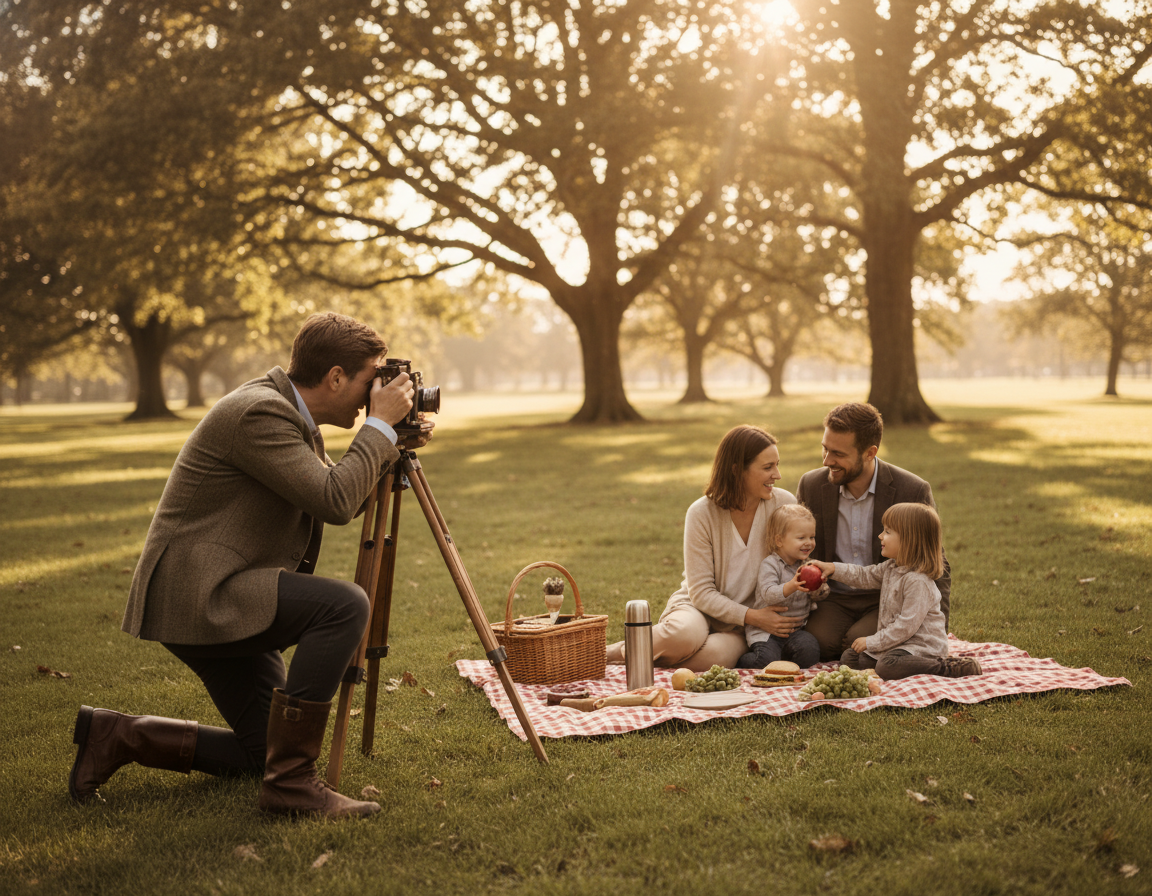
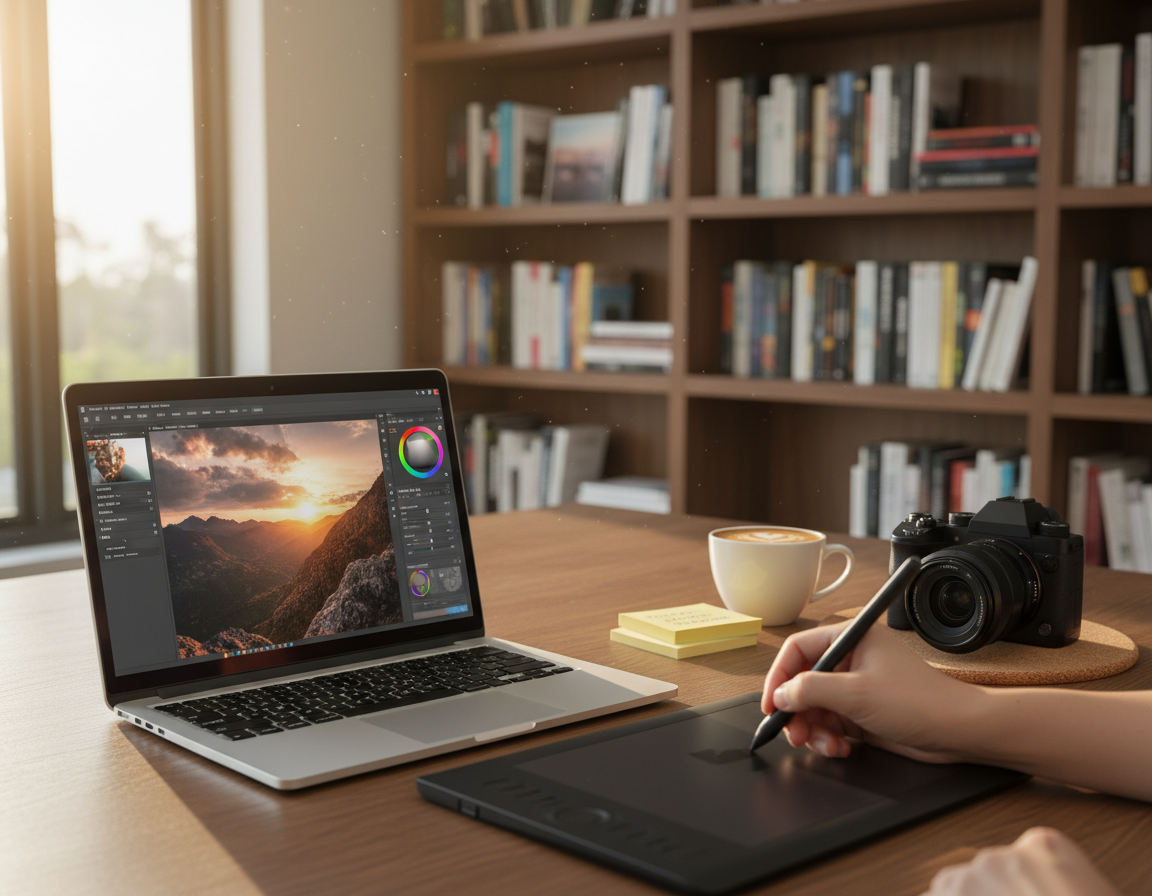
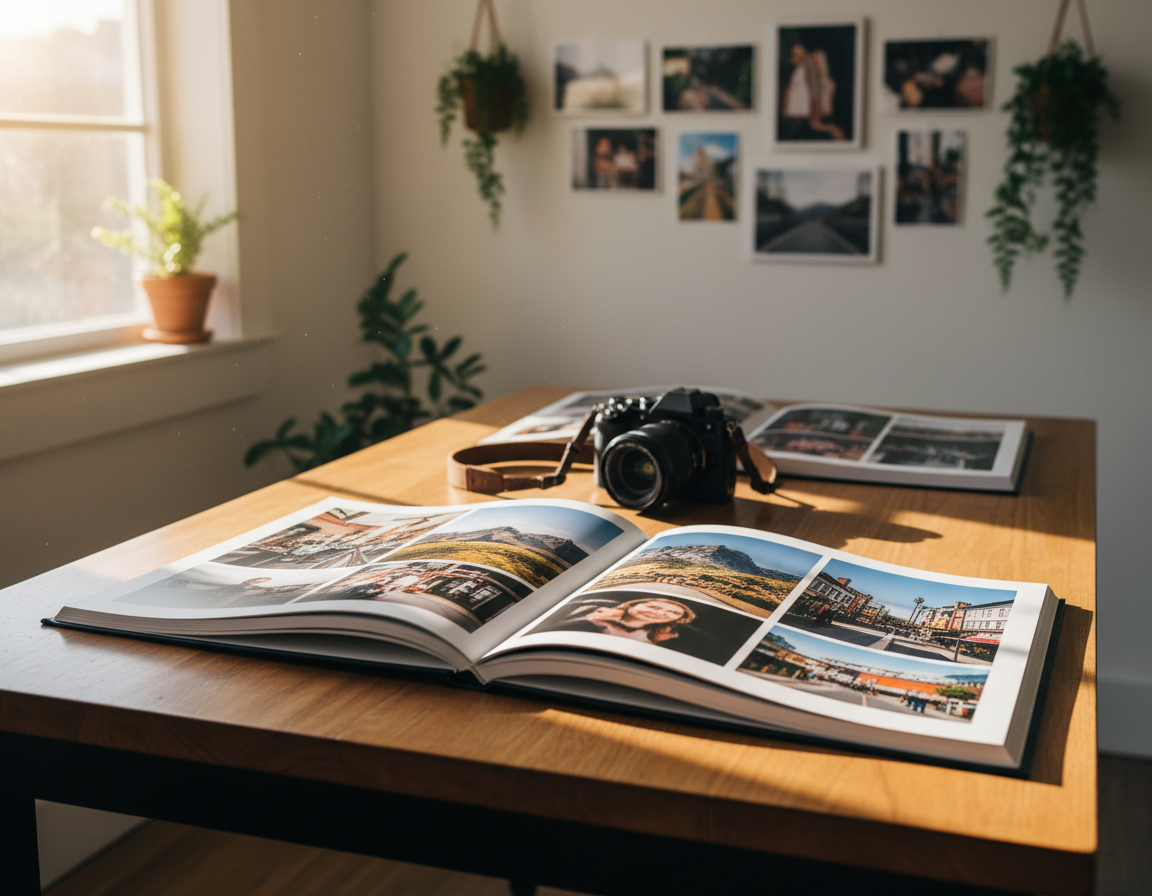
What this list really means: repeatable techniques and concept-driven approaches that change how an image feels, not just random effects. These are methods you can practice with a DSLR, mirrorless body, a pinhole, or even your phone.
This short guide shows in-camera tricks, lighting setups, portrait concepts, motion and long-exposure shots, plus hands-on printing and mixed media options you can try this year. Pick a technique that fits your subject, available light, and time instead of forcing a single style on every shoot.
Whether you are a hobbyist in the United States, a student building a portfolio, or a working photographer seeking a fresh angle, this list will give practical steps. Expect notes on what you need, common pitfalls, and tips to keep results consistent so an idea becomes a reliable tool.
Sneak peek: later sections cover prisms, spray-bottle bokeh, projections, double exposure, scanography, and stitched or painted prints. For more on building resources and steady growth, check this resource guide.
How to Choose the Right Creative Photography Idea for Your Subject, Light, and Time
Start by matching a single photographic method to the story you want the image to tell. A clear choice at the start keeps the final effect focused and repeatable.
Decision framework: name your subject and the emotion or narrative you want to convey. Then pick the technique that reinforces that message rather than competing with it.
Choose the main control knob
Decide whether you will control light, motion, background, or lens-based distortion. That becomes the shoot’s priority and guides gear and setup.
Example from practice
“Matthew Brandt soaked prints in water from the photographed site to link process and place.”
This shows how a method can spring from theme: place, memory, or erosion.
Time, gear, and safety checks
If you have ten minutes of golden-hour light, avoid a multi-hour composite process. Most effects work with a DSLR, mirrorless, or even a phone plus one simple tool like a filter or prism.
Note: advanced workflows benefit from a course, and water, aerosols, or freelensing need protective steps to keep gear safe.
Creative photography ideas for Lens Tricks and In-Camera Distortion
Small glass tools and handheld modifiers open new ways to bend light in-camera. These methods make unique effects that are hard to fake in post and work well on portraits, street scenes, or detail shots.
Prisms and handheld glass
How it works: rotate or shift a prism or convex glass in front of the lens to bend light for refractions, flare streaks, and in-camera reflections. Sam Hurd popularized this handheld approach.
Angle and distance matter. Small moves change the look dramatically—take quick test frames and note settings for repeatability.
Shoot-throughs and glass layers
Shoot through crystal bookmarks, another lens element, or window glass for layered scenes. Keep the glass close to reduce unwanted glare.
For windows, press the lens hood to the pane or use a dark jacket to block reflections. You can also use reflections as part of the composition.
Freelensing and hazy edges
Freelensing—detaching and hand-holding the lens—creates light leaks and tilt-shift vibes but risks dust and mount damage. Proceed with caution.
For hazy edges, tear a ring from a sandwich bag, secure it with a rubber band, and experiment with marker-tinted plastic. Jesse David McGrady used this trick to soften edges while keeping the center sharp.
“Prism angle and distance matter.” — practical note for repeatable results
- Tip: save two or three go-to lens tricks so you can reproduce them reliably.
- Examples: use a prism for portrait flare, a shoot-through for dreamy street frames, or a plastic ring for soft vignette edges.
Creative Light Effects You Can Create Without a Studio
Spray-bottle droplets give a simple foreground bokeh effect that reads as sparkle or abstract shape in your shots.
How to do it: mist water onto a protective clear filter, not the lens element. Use a wide aperture for larger bokeh and move a small point light so droplets catch the beam.
Mixed color lighting for portraits
Keep skin-lit with one consistent temperature and let a second source color the background for mood. For example, correct for daylight on the face while tungsten warms the background.
Or correct for tungsten on skin at blue hour so skies register a deeper blue. This keeps people natural while the scene shifts tone.
Projection as a no-studio graphic tool
Project a texture or photo onto a person or textured wall so the image wraps around curves and shadows. Use a cheap projector, a white sheet, and a dark room to control spill.
| Method | Best use | Key control |
|---|---|---|
| Spray-filter droplets | Foreground bokeh for product or portrait shots | Aperture and point-light placement |
| Mixed lighting | Skin fidelity with mood-shifted background | White balance and gel selection |
| Projection | Graphic texture on people or surfaces | Projector distance and room darkness |
- Safety tip: blow off dust first, avoid rubbing grit, and use a dedicated microfiber for filters.
- Repeatable tip: note aperture and light position so you can recreate each look consistently.
Portrait Photography Ideas That Add Instant Concept and Mood
Portrait work rewards a single strong choice—one styling move plus deliberate light can change a headshot into a story.
Embroidered and stitched portraits
Why it works: Thread adds tactile meaning to an image. Maurizio Anzeri’s stitched vintage portraits show how pattern can obscure, highlight, or rewrite features.
Quick how-to: print your own portrait, sketch a simple pattern, and use embroidery thread to trace or interrupt facial lines. Work on copies so originals stay safe.
Face paint paired with dramatic light
Plan palette and edge style first. Choose colors that flatter skin tone and decide whether marks are hard or feathered.
Use a single strong key light to carve texture and shadow. This emphasizes brushwork and makes the painted face read as a deliberate concept.
Folded-print portrait sculptures
Joseph Parra’s folded and cut prints create a “fractured self” by altering identical prints into a sculptural object.
- Print multiples of the same photo.
- Score and fold precisely, or cut sections to rearrange form.
- Photograph the assembled sculpture as a still life, using side light to create dramatic shadows.
| Technique | Best use | Quick tip |
|---|---|---|
| Embroidered portraits | Identity work, texture, narrative | Stitch on copies; test thread density |
| Face paint + light | Styled editorials and expressive headshots | Pick one key light and one palette |
| Folded-print sculptures | Conceptual still lifes, fractured self themes | Use repeats, score clean folds, shoot side-lit |
- Classroom note: work on your own prints to iterate freely.
- Document the process with behind-the-scenes frames to show how the final image was built.
- Keep a clean base photo before altering prints so the concept reads as part of a strong image.
Long Exposure Photography Ideas for Motion, Atmosphere, and Night Shots
Stretching the shutter opens ways to show time, motion, and atmosphere together. Use long exposure when motion or night scale is central to the story. It can read as painterly blur or dramatic stillness depending on choices you make.
Starry skies and rear-curtain sync flash for environmental portraits
Stabilize the camera on a tripod and expose for the stars. Then use rear-curtain sync so a flash fires at the end of the exposure to freeze your subject. This keeps the sky natural while the person reads sharp.
Intentional camera movement (ICM) for painterly abstracts
Pick a slow shutter and move the camera with purpose. Vertical sweeps work for trees; arcs suit city lights. Iterate quickly to find repeatable motion patterns.
Zoom burst with a zoom lens
Open the shutter, then zoom smoothly to create radial blur. Keep a steady rhythm so the background becomes energetic while a central subject can stay readable in a single shot.
Panning to isolate a moving subject
Match your camera movement to subject speed and use a shutter that blurs the background. A monopod helps steady the pan. Test and adjust shutter until the streaks feel intentional.
| Method | Best use | Quick control |
|---|---|---|
| Star + rear-curtain | Night portraits with star fields | Tripod, long exposure, rear-sync flash |
| ICM | Painterly abstracts from real scenes | Slow shutter, chosen camera path |
| Zoom burst | Radial energy behind subject | Zoom lens, steady zoom during exposure |
| Panning | Sharp subject, streaked background | Match subject speed, monopod aid |
Single exposures keep authenticity; composites let you expand what a single shot can capture. Whichever path you pick, test quickly and note settings so the technique becomes repeatable.
Reflections, Bokeh, and Background Tricks That Make Photos Look Cinematic
Small, bright points behind your subject can read as mood rather than distraction when you control depth and lens choice. Define “cinematic” as strong subject separation, intentional background design, and controlled highlights that guide the eye.
Deliberate bokeh with shallow depth of field
Place point lights—street lamps, string lights, reflective windows—behind your subject. Use a fast lens and a wide aperture so highlights collapse into smooth orbs.
Tip: test each lens at several apertures to learn its bokeh character. Some glass renders round, some hexagonal; that shape affects mood.
Reflections and prisms as compositional tools
Use a small prism to move a reflection into frame, echo shapes, or create leading flare lines. Angle changes drive results—rotate the prism until the reflection frames the subject instead of obscuring it.
“Takashi Kitajima turned narrow depth of field and city light into radiant, semi-abstract backgrounds.”
- Quick checks: keep the subject’s eyes free of distracting flares unless intentional.
- Watch image edges for bright fragments that steal attention.
- Build a repeatable kit: one fast lens, a small prism, and a short list of locations with reliable point lights.
Surreal Effects to Try In-Camera or in Post
Surreal effects work best when the viewer still trusts the light and scale in the frame.
Double exposure can be made in-camera using multiple-exposure modes or in post with layered files for tighter control. In-camera blends feel organic; post lets you nudge placement and opacity precisely.
Double exposure options
Purist route: shoot two or more frames with matching exposure and compose in-camera for serendipity.
Post route: use masks and blend modes to place textures exactly where you want them.
Composites and overlays
Use overlays to add weather, smoke, or water when you cannot capture them on set. Match the light direction, softness, and grain so the added layers read as one scene.
“Keep a realism checklist: shadow direction, shared grain, and matching color temperature across layers.”
Harris-shutter color separation
The Harris effect splits red, green, and blue to show motion as bold graphic bands. It began with sliding filters on film and now is simple to recreate in-camera or in post for striking portraits or motion studies.
| Method | Best use | Key control |
|---|---|---|
| Double exposure | Concept portraits and layered meaning | Exposure balance and alignment |
| Composites/overlays | Weather, smoke, texture when not captured live | Light direction, softness, and grain match |
| Harris-style split | Bold motion graphics and color portraits | Channel offset or RGB filter timing |
- Concept prompt: pair a portrait with a relevant texture — trees, map lines, or water — to suggest identity without literal illustration.
- Restraint tip: use one surreal technique per final image so the effect reads clearly.
- Realism checklist: consistent shadows, matched grain/noise, and coherent color temperature across layers.
Experimental Printing and Darkroom-Inspired Techniques for Unique Images
Working with paper, chemistry, and paint yields one-of-a-kind results you can’t fully copy. These methods make the print surface part of the story, not just a final output.
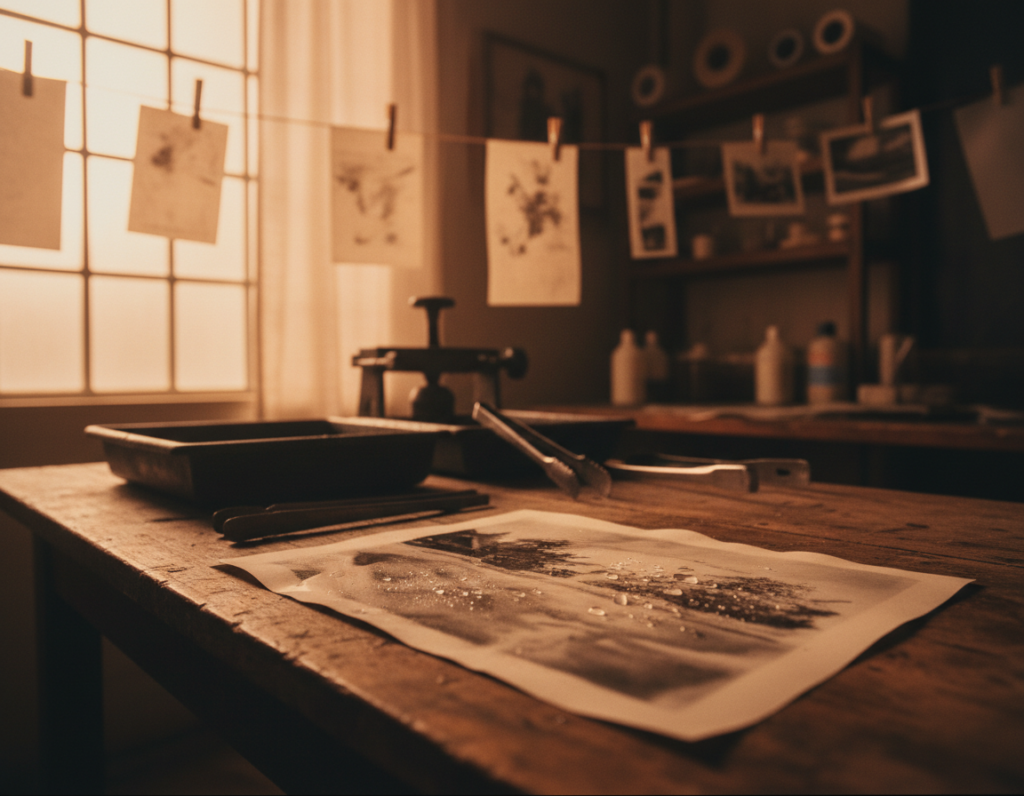
Water-worn prints and place-based staining
Use actual water tied to a subject—streams, seawater, or puddle samples—to age or stain a print. Matthew Brandt’s work shows how erosion can connect a photograph to place.
Start with duplicates and let small tests run for days. Note how drying time and mineral content change marks.
Paint developer and the “silver drip” reveal
Apply developer with a brush to parts of paper to selectively reveal tones. Timothy Pakron’s “silver drip” portraits let chemical runs become expressive lines.
Work over rejects first. Protect skin and ventilate when handling developer.
Overpainted prints for texture and disruption
Smear oil or gouache over a print to break literal reading. Gerhard Richter used palette knives and squeegees to transform photographs into tactile, contested images.
Test adhesion and varnish on copies to avoid ruining originals.
Antique-process looks and safety
Wet-collodion and other historical methods produce unique surface effects but use hazardous chemicals and require training. Sally Mann’s work points to the aesthetic and the care needed.
If you want the look without full chemistry, use presets, controlled grain, and muted tones as safer simulations while you learn the real process.
“Make duplicate prints, test materials on rejects, and keep notes on drying times and reactions.”
- One-of-one advantage: surface chemistry creates variation you can’t replicate exactly.
- Workflow tip: always work on copies, document steps, and store a master file before altering a print.
- Safety note: use gloves, ventilation, and proper disposal for developer and collodion.
| Method | Best use | Safety / Notes |
|---|---|---|
| Water-worn prints | Site-linked narratives and texture-driven meaning | Test on duplicates; mineral content alters results |
| Painted developer (“silver drip”) | Partial reveals, emotive facial emphasis | Wear gloves; control runs on test prints |
| Overpainted prints | Disruption of realism, added contrast and texture | Check paint adhesion; varnish after curing |
| Wet-collodion / antique | Authentic historical surface and tonal depth | Requires training, ventilation, chemical safety |
For more examples and practitioners using alternative methods, see this feature on alternative process photographers.
Scanography and Rephotographing Prints for Fresh Creative Photography
Scanography is a camera-less capture method that produces very high-resolution files with a clinical, even light. It feels photographic but reads different because the scanner’s sensor moves under the subject.
Flatbed scanner portraits and still lifes for stretched, surreal movement
Place a face, hand, or object on the glass and nudge it while the scan bar passes. Motion becomes distortion: features stretch and bend into otherworldly forms. Evilsabeth Schmitz-Garcia used this to make warped portraits that read as expressive, not broken.
Scan objects on top of photos to create floating layers and forced depth
Lay tape, thread, or folded plastic on a printed photo and scan again. The added object sits visually above the print and tricks the eye into layered space. Rosanna Jones used folded tape to create a floating layer illusion.
Rephotograph prints with real materials like food or liquids for shock and contrast
Some materials will ruin a scanner. Rephotograph a duplicate print instead. Brest Brest placed raw egg and ketchup on formal portraits, then re-shot them for unsettling contrast and attention-grabbing results.
- Handling tips: work on duplicate prints, wear gloves, diffuse light to avoid hot highlights, and control reflections when re-shooting glossy paper.
- Note: these methods work for still life setups, people studies, and bold, tactile photos—use tests to refine results.
Hands-On Mixed Media Photography Ideas That Go Beyond the Screen
Mixing paper, paint, and found objects turns a flat print into a physical object that carries process and wear.
Collage and removed presence
Collage can act as a graphic edit. Vasilisa Forbes used colored paper strips to remove people and make absence the concept.
Splash, smear, and texture
Try splash or smear on duplicate prints like Jemma Kelly. Throw paint, then scan or rephotograph the result to capture texture and new effects.
Scratch prints and negatives
Scratch backgrounds to simplify a scene. Frank Eugene’s historical work shows how carving away detail emphasizes a subject and changes reading.
Transfers, engraving, and new surfaces
Use gel-medium image transfer to move a print onto wood or canvas. CNC or laser engraving can etch an image into wood, metal, or glass, but access often means maker spaces or commercial services.
2D/3D hybrids and perishables
Add small sculptural elements that protrude from the surface, light them, and photograph the shadows as part of the final image. If you use perishable items (including food), work on copies—decay can be part of the concept but will warp and stain.
Creative Process Tips for Better Shots, Cleaner Results, and More Keepers
Small process changes save time on set and increase the rate of usable frames. Lock down a single variable to test at a time so you learn what matters for each effect.
Control aperture, shutter, and lens choice to make effects repeatable
Settings mindset: pick one control to change per run—shutter for motion, aperture for bokeh, focal length for compression. Note the exact aperture, shutter, and lens focal length so you can reproduce a look later.
Bracket a few exposures and shoot a clean plate before adding modifiers. This gives a reference you can compare on location.
Protect your camera and lens when using water, aerosols, and DIY modifiers
Gear checklist: use a clear protective filter, shield the camera body, and spray away from the lens mount. Blow off grit before wiping to avoid scratches.
For fog or aerosol, apply short bursts and waft with a reflector or board to shape the haze. Work with the wind direction so the light and mist stay where you want them.
Freelensing caution: try freelensing only in a very clean environment, keep the camera facing down between frames, and accept that dust and possible mount wear are real risks.
Build a mini “ideas bank” so you can adapt quickly on real shoots
Keep a simple note on your phone with your favorite setups, the best light for each, and the minimum gear needed. Add a short recipe: aperture, shutter, lens, distance, and a quick note on prism angle or spray placement.
On client shoots, prioritize fast, safe techniques first—prism, shoot-throughs, and mixed light—and save messy experiments for personal time. This protects schedules and yields more keepers.
| Action | Why it helps | Quick checklist |
|---|---|---|
| Lock one variable | Faster learning and repeatable results | Change aperture OR shutter, not both |
| Protect gear | Prevents damage from water/aerosol | Filter, shield body, blow off grit before cleaning |
| Record recipes | Recreate looks reliably | Note aperture, shutter, lens, distance, modifier angle |
| Bracket + clean plate | Ensures at least one keeper and a reference | 3 exposures; one without modifiers |
Conclusion
A clear choice at the start—what you will control and why—turns experiments into reliable results.
The core takeaway: pick techniques that match your subject, the available light, and the time you have. These small decisions make every creative photography approach feel purposeful and repeatable.
Don’t try everything at once. Choose two or three methods to practice this month: one lens trick, one light trick, and one motion or print technique. These focused sessions turn curious experiments into usable creative photography ideas.
Favor craft over gimmicks: strong composition and intentional light lift any image. Protect gear around water and aerosols, and work on duplicate prints when you use paint or perishables.
Next step: write a brief (theme + subject + technique) and shoot a short mini-series so each idea becomes a coherent body of work you can show and refine as a photographer.