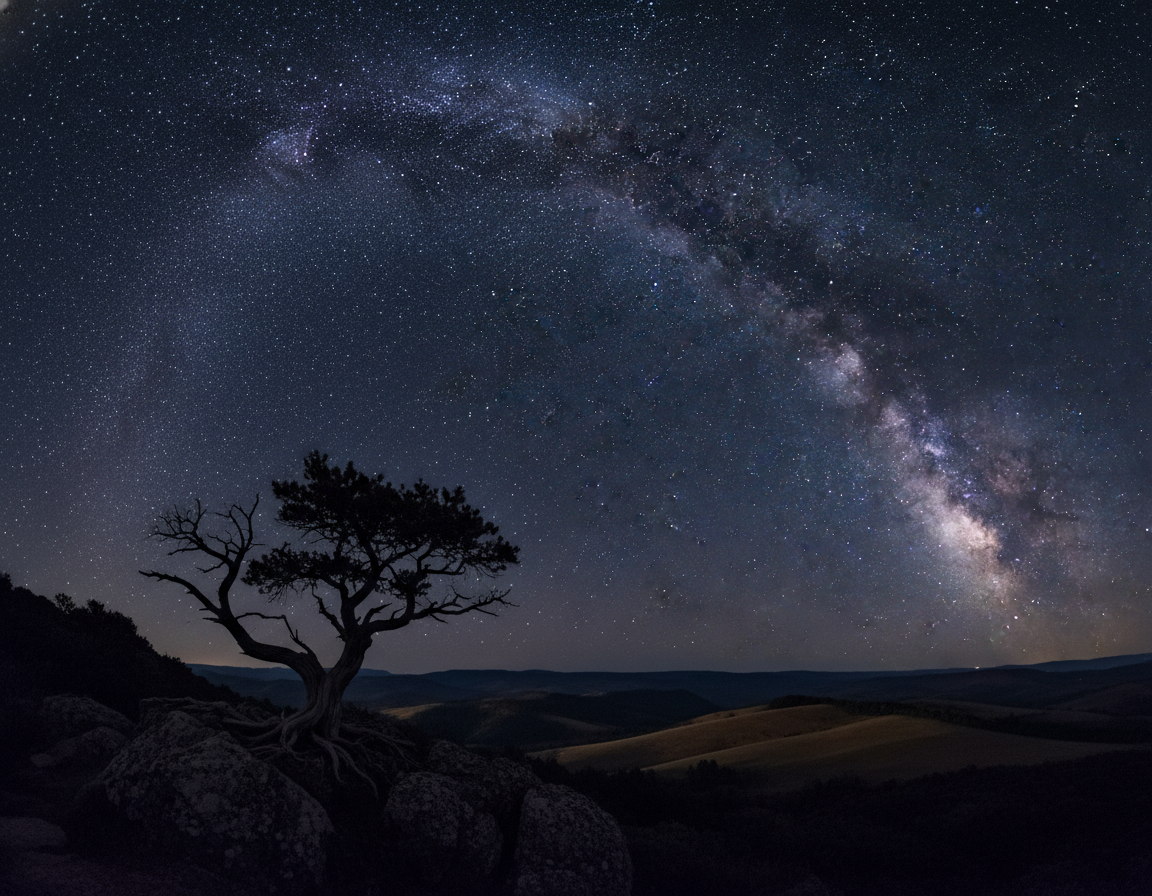
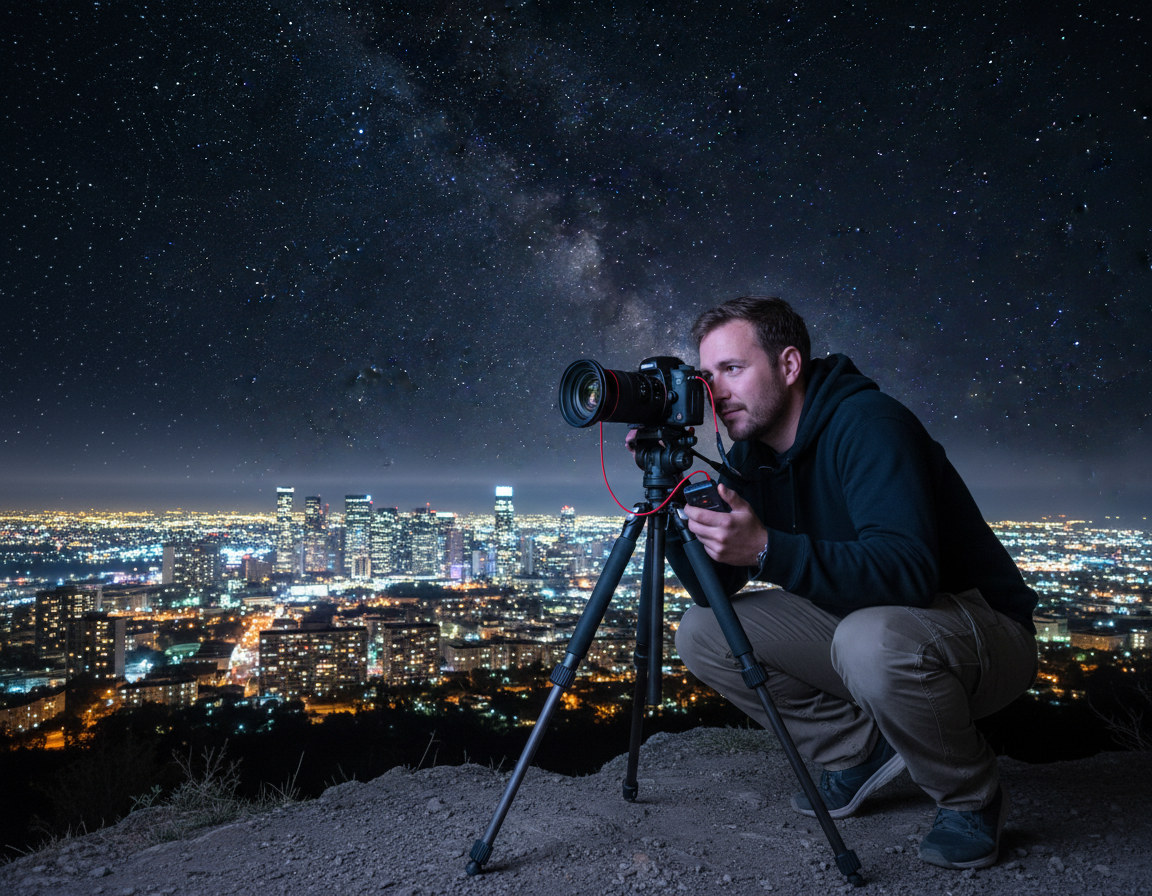
Light trails photography records moving headlights and taillights as continuous streaks through a long exposure. This simple technique turns ordinary roads into dramatic, cinematic scenes. By the end of this guide, you will know the gear, settings, and steps to repeat the result reliably.
The camera records time in a way our eyes do not, so scenes look different than real life. A slow shutter blends motion into smooth streaks. That effect gives night images a sense of energy and motion you can’t see live.
Car scenes are popular because vehicles offer steady movement and bright sources that make bold streaks. Cities and intersections are easy to access, making this an ideal subject for beginners and pros alike.
Safety first: shoot from sidewalks, bridges, or legal viewpoints, not on roadways. This guide follows a professional, repeatable approach: manual exposure, solid support, and consistent timing. Follow the workflow—gear, scouting, settings, field execution, and composition—to diagnose and fix common issues like soft images or cut-off trails.
What You Need for Sharp Car Light Trails at Night
A reliable kit is the fastest route to sharp results after dusk. Start with gear that supports long exposure and repeatable control.
Camera options and capture
Choose a DSLR or mirrorless body that offers full manual mode and RAW capture for editing latitude. Some advanced point-and-shoot cameras can work if they allow multi-second exposures or shutter-priority. Carry an extra battery and an empty card.
Tripod stability
Use a sturdy tripod with solid legs and a locked head. Center the weight and avoid vibration sources like bridge traffic. A rigid support prevents subtle blur during long exposures.
Shutter release options
Reduce shake with a cable release, wireless remote, or a 2-second self-timer. Each option keeps your hands off the body when the shutter opens.
Lens and extras
Pick a wide or ultra-wide lens for city scenes—16mm full-frame or 10mm on APS-C gives strong leading lines. Bring a flashlight/headlamp, warm clothes, and spare battery to avoid session-ending problems.
| Item | Why it matters | Recommendation |
|---|---|---|
| Camera body | Controls exposure and RAW capture | DSLR or mirrorless with manual mode |
| Tripod | Prevents blur from movement | Rigid legs, locked head, add weight if windy |
| Shutter release | Eliminates trigger shake | Cable, wireless remote, or 2s self-timer |
| Lens | Sets perspective and framing | Wide / ultra-wide for city views |
| Practical extras | Prevent common failures | Spare battery, flashlight, warm clothing |
Pick the Best Location for Light Trails and Traffic Flow
Location matters as much as settings when you want clean streaks and a compelling scene. Good traffic flow yields continuous lines, while a tidy viewpoint cuts visual clutter that can distract from the trail.
Elevated viewpoints
Prioritize bridges, overpasses, rooftops, and parking garages. These spots let you photograph cars moving through the frame and create strong leading lines without shooting straight-on. Elevated angles also reduce foreground distractions and frame the road as a graphic element.
Urban streets and skylines
Look for recognizable buildings, illuminated signage, and street lamps that give context and scale. A skyline or landmark anchors the trails and turns streaks into a full scene rather than isolated streaks.
Winding roads and coastal routes
Curved roads produce S-shapes that read well in long exposures. Wet pavement or adjacent water adds reflections that enrich the trail. These locations often require more scouting for safe parking and stable set-ups.
Timing, safety, and stability
Scout by day, return at blue hour, and stay into full night since traffic and ambient light change across the first hour after sunset. Never stand in the middle of a road or on train tracks, and avoid trespassing.
Safety checklist:
- Stay on sidewalks, observation areas, or legal viewpoints.
- Remain visible and avoid obstructing traffic.
- Check for vibration sources like heavy trucks or busy pedestrian bridges.
| Location type | Why it works | Quick tips |
|---|---|---|
| Bridges / Overpasses | High vantage, clean leading lines | Use railings for framing; avoid crowded pedestrian bridges |
| Rooftops / Parking garages | Controlled elevation, city backdrops | Verify access rules; secure tripod to prevent wind shake |
| Urban streets / Skylines | Context from buildings and signage | Include landmarks to anchor the scene; time for steady traffic |
| Winding roads / Coastal routes | Curves and reflections add drama | Scout run-off spots; watch for wet surfaces and safe pullouts |
Light Trails Photography Settings for Long Exposure Results
Set your camera to full manual and treat each frame as a repeatable experiment in exposure control. A short, consistent workflow helps you match exposures between shots and fix problems quickly.
Manual mode workflow
Choose an aperture first for depth and detail—start between f/8 and f/11 for sharp city images. Use a smaller aperture (f/13–f/16) when you want stronger starburst effects on streetlights.
Shutter speed targets
Set the shutter to control trail length. Begin at 10–15 seconds for steady traffic. Increase toward 20–30 seconds for denser, smoother lines. Shorter speeds (4–8 seconds) will break streaks into gaps.
ISO and focus
Keep ISO 100–200 to minimize noise and protect highlights; bump ISO only during blue hour if you must shorten an exposure. Switch to manual focus, lock on a distant edge or a bright building, and leave focus untouched for consistent frames.
White balance and highlight care
Shoot RAW so you can correct mixed color later. Auto White Balance is fine when shooting RAW because it preserves flexibility. Bias settings to protect bright headlights; preserve highlights and lift shadows in post.
| Control | Recommended range | Why it matters |
|---|---|---|
| Aperture | f/8 – f/16 | Sharp detail and starbursts at smaller apertures |
| Shutter | 4 – 30 seconds | Short = broken streaks; long = smooth, continuous lines |
| ISO | ISO 100 – 200 | Lowest noise and better highlight control |
| Focus & RAW | manual focus + RAW | Consistent sharpness and full color correction in post |
How to Shoot Car Light Trails Step by Step in the Field
Get to your vantage about an hour before sunset to scout composition and baseline exposure. This extra time helps you find a safe spot, set initial settings, and note traffic patterns.
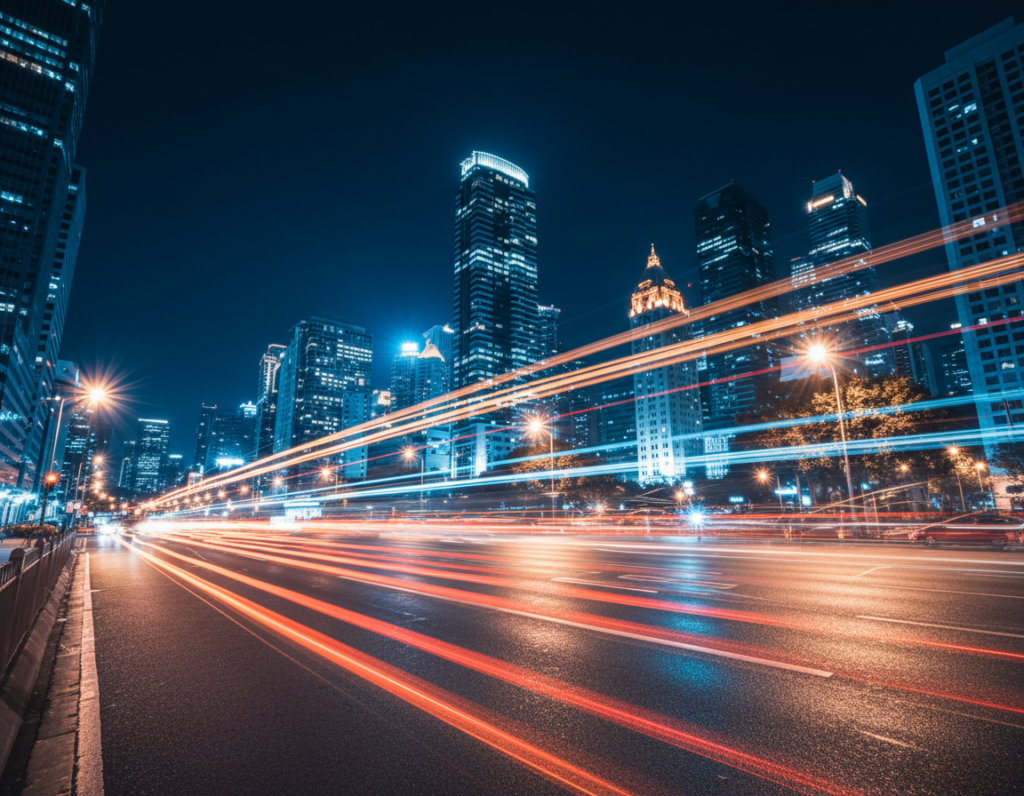
Arrive for blue hour and move into full night
Blue hour separates buildings from sky while city lights start to glow. Begin with shorter shutter times and move to longer exposures as ambient light falls.
Compose, lock the tripod, level the frame
Compose first, then tighten the tripod and level the frame. Secure the feet and avoid spots that vibrate from passing vehicles or pedestrians.
Time the shutter press for clean streaks
Watch the flow of traffic for several minutes. Start the shutter just as cars enter your chosen section of the road to capture continuous headlights and taillights.
Control exposure and protect highlights
Keep ISO 100 when possible to avoid blown-out headlights. Stop down the aperture or shorten shutter time if bright lights clip.
Repeat, review, and refine
Check each shot on the LCD and use the histogram to spot clipped highlights or blocked shadows. Make small changes to settings and shoot multiple shots—patience and repetition pay off.
- Field checklist: Arrive early, test composition, lock tripod, set manual focus, use a remote shutter release or self-timer, and note baseline exposure.
- For practical tips on creative angles and safety, see this guide on shooting from a back seat: shooting from a car.
| Action | Why | Quick tip |
|---|---|---|
| Arrive early | Scout scene and test exposure | One hour before sunset |
| Lock tripod & frame | Prevent blur from vibration | Use leg locks and weight if windy |
| Review shots | Catch problems quickly | Use histogram and 100% playback |
Composition Techniques That Make Light Trail Photos Look Professional
Strong composition turns streaks of vehicles into a photo that feels planned, not accidental. Structure in the frame matters more than the brightness of the streaks. A clear composition makes the scene read as intentional and strong.
Foreground interest
Add depth with reflections on wet streets, glass, or pools of water. Include signs or architectural details to anchor the image to a location.
Foreground elements give the viewer a place to start before the eye follows the streaks toward the background.
Leading lines and diagonals
Use roads, ramps, and curves as compositional guides so the trails pull the eye toward a focal point like a bridge tower or skyline.
Wide and ultra-wide lens choices exaggerate these lines, but watch edges to avoid distorted buildings.
Symmetry and balance
Center the frame for a bold vanishing point on bridges or corridors. Offset the horizon to add tension when the scene calls for it.
Move a few feet, change tripod height, or wait for a cleaner flow to simplify the scene and avoid distracting bright signs.
“Composition is the way you order elements so motion becomes the story.”
| Technique | When to use | Quick tip |
|---|---|---|
| Foreground interest | Wet streets, glass façades, plazas | Include a reflective surface and a recognizable building |
| Leading lines | Ramps, curved roads, approach lanes | Shoot low and emphasize diagonals with a wide lens |
| Symmetry / balance | Bridges, intersections, city corridors | Center for vanishing points; offset for dynamic tension |
Conclusion
Mastery comes from repeating a clear workflow: steady support, manual exposure control, deliberate shutter timing, and composition that uses roads and architecture to guide the eye.
Start with dependable baseline settings: manual mode, ISO 100–200, a multi-second shutter, and an aperture that balances sharpness with starburst impact. These settings make raw images easier to refine later.
Stay consistent across exposures—lock focus, keep the camera steady, and repeat the same frame when you plan to stack for denser streaks. Patience matters; traffic moves in waves and the right moment yields cleaner results.
Safety reminder: shoot from legal, stable viewpoints and remain aware of vehicles and surroundings at night. Practice one reliable spot, then expand to bridges, intersections, and winding roads as your timing and technique improve.