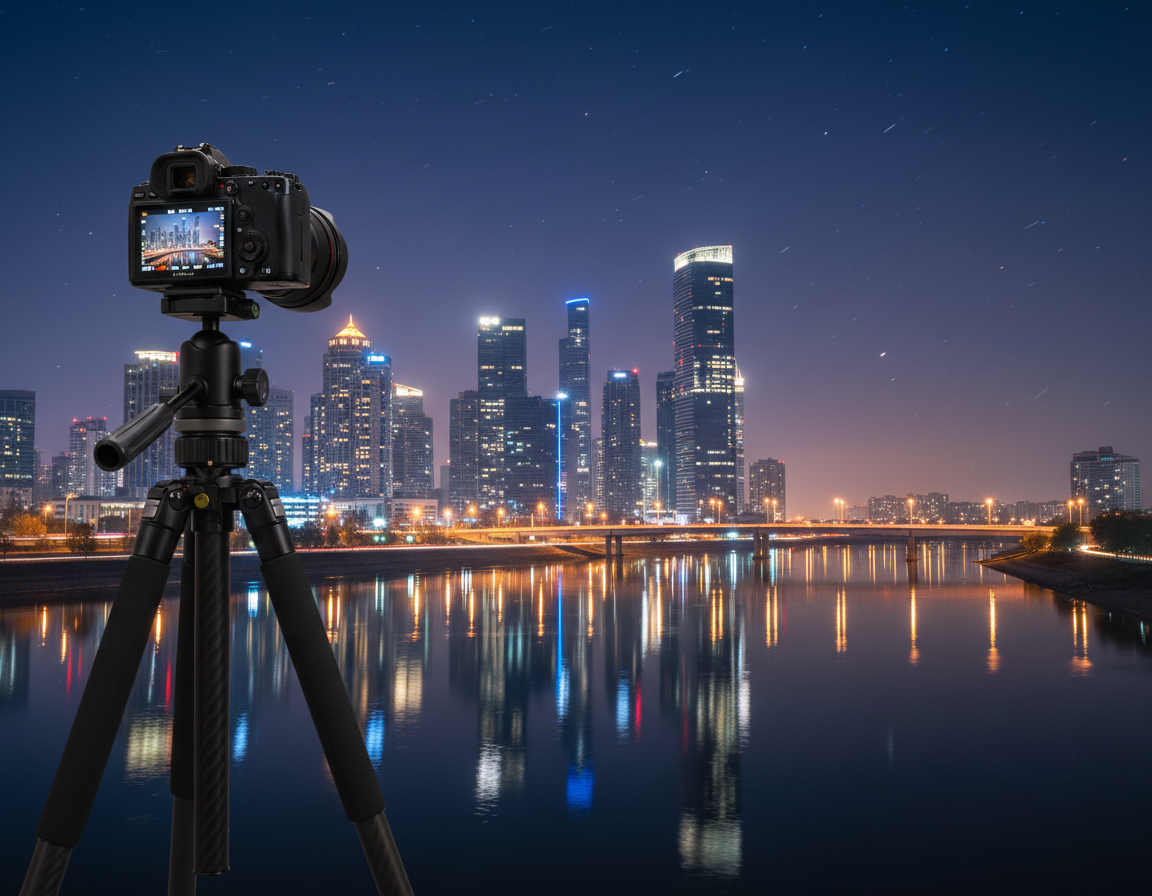
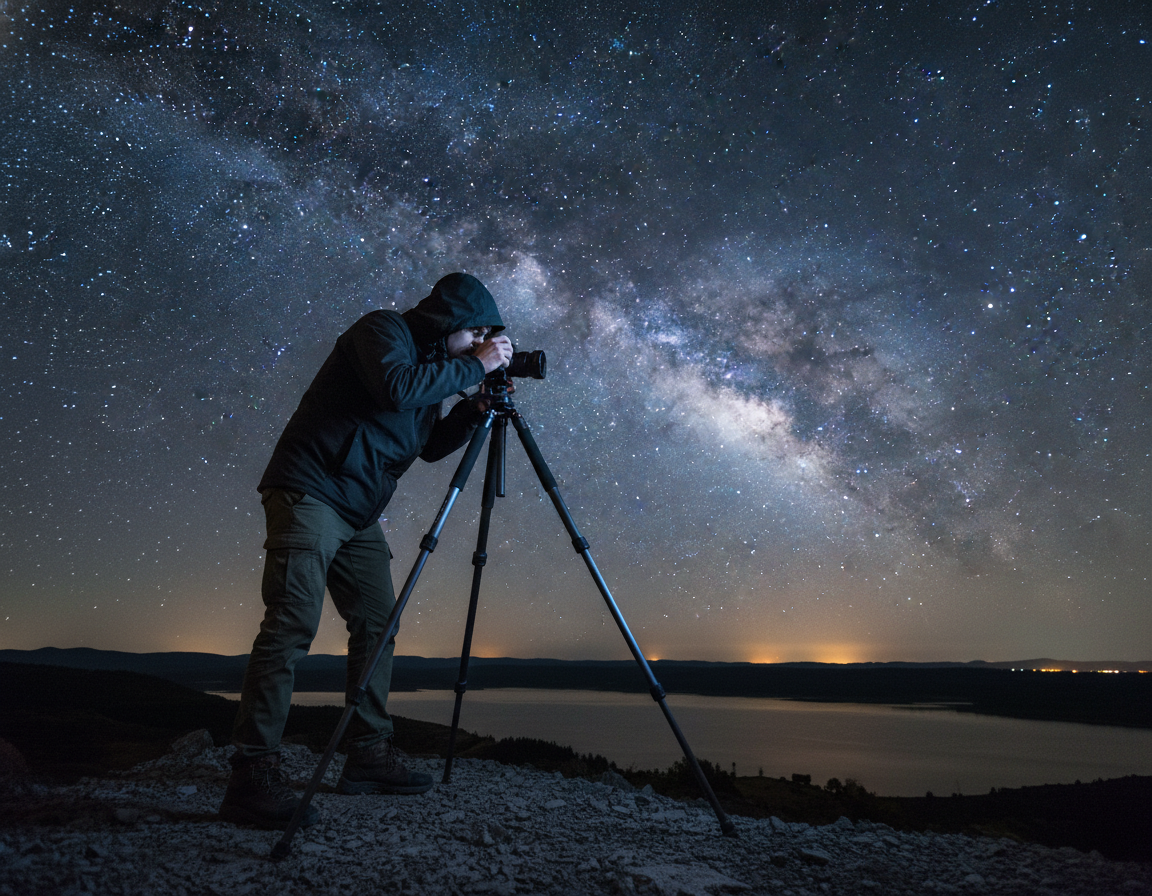
This short guide gives a dependable baseline to help you take clear, detailed shots tonight.
Start with a fast shutter (about 1/180s), a mid aperture (around f/8), and low ISO (100–200). Use a telephoto lens (200mm minimum; 300mm+ recommended) and shoot RAW for editing room.
Define practical moon photography settings as shutter speed, aperture, ISO, focus method, and stabilization choices that reveal crater detail rather than an overexposed disc.
Expect variation across the United States due to humidity, turbulence, and elevation above the horizon. Work quickly, then refine with metering, histogram checks, and highlight warnings.
This article explains why Auto mode often blows out the subject, why long focal lengths amplify blur, and why an LCD preview can mislead you on a computer screen.
Minimal gear: any camera with manual control, a telephoto lens, and stable support. Technique matters more than new purchases.
– Baseline combo: fast shutter + low ISO + mid aperture.
– Use histogram and highlight warnings to confirm exposure.
– Manual control, telephoto, and a tripod give the biggest gains.
How bright is the Moon, really, and why your camera gets it wrong
A tiny, bright orb against a dark sky often fools auto exposure into blowing highlights. The camera’s evaluative meter averages the dark sky and the bright subject. That makes the bright surface look white and featureless while the rest of the scene appears correctly exposed.
The exposure trap: a bright Moon in a dark sky
Because the bright area covers a small fraction of the frame, average metering biases toward the darker sky. The result is clipped highlights: the surface becomes a white blob and crater edges vanish. Use manual exposure or spot metering to protect detail.
Why the Moon’s motion affects sharpness at longer focal length
At longer focal and high magnification, the subject’s apparent motion and tiny vibrations blur detail. With a long focal length like 300mm+, slow shutter speeds smear crater texture. Increase shutter speed and stabilize the rig to freeze fine features.
What a “good” image should show
A strong shot shows crater texture, clear terminator shadows when present, and no clipped highlights on the brightest areas. Remember: your eye adapts to contrast; the camera needs deliberate exposure control to hold lunar light and texture.
Ready to get good results? Correct metering, manual exposure choices, and solid stability reliably produce clean, detailed photos. For practical do’s and don’ts, see this concise guide on shooting lunar subjects: dos and don’ts when shooting the.
Moon photography settings starting points you can dial in fast
Start with a simple exposure recipe that treats the Moon like daytime—bright, high-contrast, and quick to freeze.
A reliable baseline: fast shutter speed, small aperture, low ISO
Manual mode, RAW, ISO 100–200, aperture near f/8, and a shutter speed around 1/200s make a solid starting point. This combo freezes motion and keeps highlights intact.
Recommended starting values for full moon shots
For a full moon, try 1/200–1/320s at f/5.6–f/8 with ISO 100–200. The surface is sunlit, so treat it like a daytime subject rather than a night landscape.
The Looney 11 rule for quick exposure math in the field
At f/11 set shutter ≈ 1/ISO. Example: ISO 200 → 1/200s. Use that as a fast field formula and then refine with histogram and highlight warnings.
When to intentionally underexpose to protect highlights
Underexpose by about one stop when highlights blink. You can lift midtones from RAW but you cannot recover clipped whites.
Quick dial-in workflow: take a test shot, check highlight alert, then increase shutter speed or stop down until crater detail appears on the LCD.
Master exposure with Manual mode, metering, and the histogram
Control exposure deliberately to keep surface detail and avoid blown highlights. Manual mode is the simplest way to lock shutter, aperture, and ISO so the camera won’t try to brighten the dark sky and erase texture.
Why Manual mode works best
Manual mode stops automatic changes between frames. That gives consistent exposures and predictable results. Photographers using manual control spend less time chasing blown highlights and more time composing.
Spot and center-weighted metering
If you prefer a semi-auto approach, use spot or center-weighted metering to base exposure on the bright subject itself. Avoid evaluative/matrix metering; it averages the whole scene and usually fails with a small bright target.
Histogram and highlight warnings
Adopt a histogram-first mindset. Keep the lunar highlights from piling on the right edge to protect crater detail.
If highlight alerts (blinkies) appear on the screen, increase shutter speed, lower ISO, or stop down until they disappear. That preserves the brightest information.
Bracketing and lucky imaging
Shoot quick brackets (3–7 frames at 0, -1, -2 EV) and take many frames at the same settings. Lucky imaging relies on capturing many images so a few will be sharp during brief calm moments in the atmosphere.
Quick review routine: zoom in on the camera screen to check edge clarity and crater detail, not just overall brightness. This simple way saves time and improves keeper rates.
Shutter speed, aperture, and ISO settings for crisp lunar detail
Dialing the right combination of shutter, aperture, and ISO makes the difference between a dull disc and crisp surface detail. Use these practical targets to freeze motion and keep highlights intact.
Shutter speed targets to freeze the subject in the sky
Start near 1/200s for full-disc shots. As focal length or atmospheric turbulence rises, move to 1/250–1/320s to reduce blur.
If you track handheld or use very long reach, faster speed pays off more than tiny aperture changes.
ISO 100, ISO 200, and when it’s okay to push higher
Keep iso 100–iso 200 when possible to preserve clean blacks and maximize crop room.
Raise ISO only when necessary to maintain a sharp shutter speed; values up to ~800 are acceptable for low-light portrait-style landscape frames or when using faster focal lengths.
Choosing aperture: sweet spots and the Looney 11 fallback
Use lens sweet spots around f/4–f/8 for peak sharpness and fine detail. Apply f/11 when using the Looney 11 rule or when you need more depth for a combined landscape composition.
Depth of field considerations when including a foreground
More depth of field does not guarantee a sharp close foreground. A nearby tree remains soft even at f/11 if it sits much closer than the distant subject.
For balanced landscape shots, increase subject distance or blend sharp lunar frames with a separate focused foreground exposure.
Lens choice, focal length, and stability for sharp moon images
Choosing the right lens and stabilizing gear determines whether your capture shows crater texture or a soft, cropped blur.
Start with a telephoto lens of at least 200mm, but plan for 300mm or longer for tight framing. Lenses in the 400–600mm range reveal far more crater structure and reduce heavy cropping.
Crop-sensor cameras add perceived reach and help when you can’t carry a super-telephoto. A higher megapixel count matters too: more pixels on the target lets you crop without losing fine detail.
Tripod and vibration checklist
- Sturdy tripod: solid legs and a locked head; keep the center column down if possible.
- Wind control: choose a calm location and shield the rig when you can.
- Release options: use a remote release or a 2‑second timer to avoid touch vibration.
- Camera vibration reduction: use live view and mirror lock to cut internal movement; be mindful that long live view runs can heat the sensor.
If your image is soft despite correct exposure, vibration or focus is usually the cause. Lock the rig, check focus on the camera screen, and try again.
Focus techniques that actually work on the Moon
Getting the focus right on distant bright targets requires deliberate technique, not autofocus hope. Manual focus gives control when the camera hunts or locks on the sky instead of the subject.
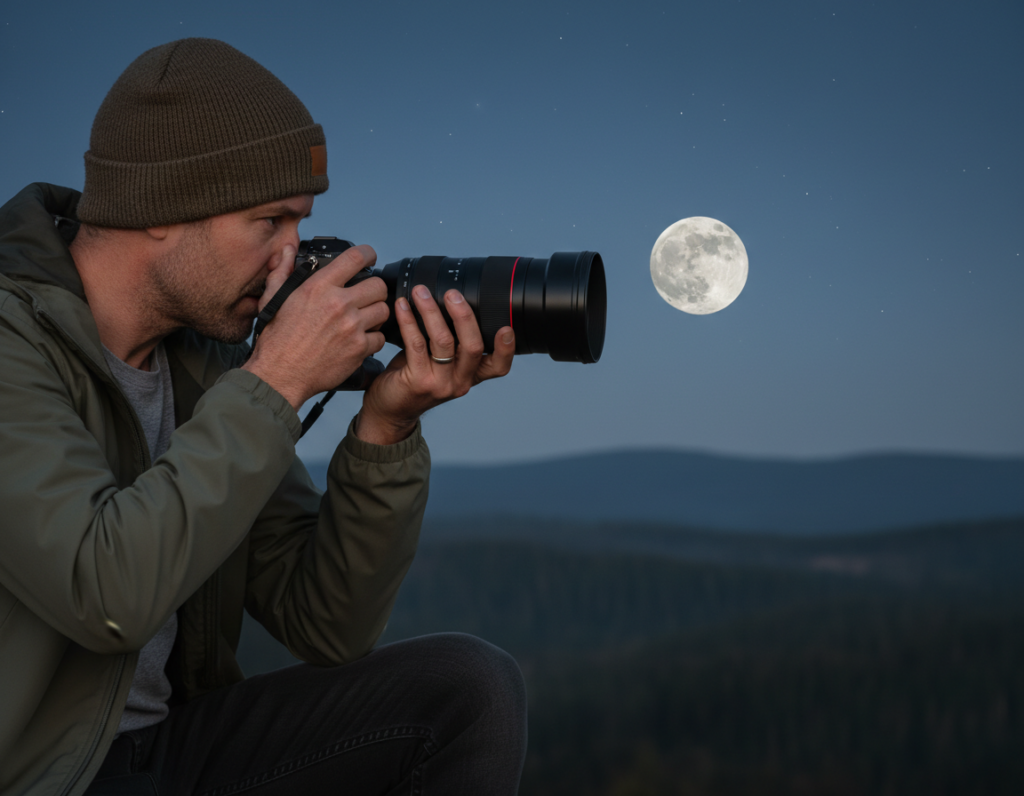
Manual focus at infinity without overshooting
Switch the camera to MF and start near infinity. Many lenses pass the hard stop, so the sharp point sits just before the end of the focus ring.
Turn the ring slowly. Stop when crater edges look crisp in the finder or on the LCD.
Using Live View or LCD magnification to nail critical focus
Use Live View and magnify the bright disc on the screen. Adjust the ring until fine texture is at its clearest.
Take one test shot, zoom playback, and confirm the image is sharp. If it is, lock focus and avoid bumping the ring while you shoot a series.
- Why AF fails: low contrast, tiny subject area, and the camera trying to lock on the sky cause hunting.
- Quick routine: MF, Live View magnify, tweak ring slowly, take picture, check playback.
- Remember: fast shutter helps freeze motion but cannot fix missed focus—both must be right for a keeper shot.
Timing and composition tips for better Moon photos in the United States
Pick a time and place that turns a bright disc into a memorable landscape element. Good timing cuts contrast and makes it easier to capture texture in the lunar surface.
Phase and brightness: A full moon is bright and easy to expose for detail. Thin crescents and eclipses are much dimmer and often need slower shutters or higher ISO. During a total eclipse the light can drop dramatically, so plan for very different exposure choices.
Twilight advantage: Shoot at dusk or dawn so the sky still holds color. That window reduces extreme contrast and lets you include a foreground without losing lunar detail.
- Frame with trees, buildings, or landmarks to give scale.
- Use long focal length and stand far from the foreground to get the “big moon” look from compression.
- Pick low-horizon locations like shores, fields, or ridgelines for an unobstructed rise.
Plan the shot: Use PhotoPills or The Photographer’s Ephemeris to pick a landmark, check moonrise azimuth, and position yourself on the predicted line of sight.
NASA lunar photography guide is a useful reference for exposure shifts during eclipses and dim events.
| Phase | Relative light | Practical change |
|---|---|---|
| Full moon | High | Use baseline exposure; fast shutter, low ISO |
| Crescent / waxing | Low–medium | Slower shutter or higher ISO; check histogram |
| Total eclipse | Very low | Increase ISO and exposure; consider tracking or stacking |
Conclusion
Finish strong by focusing on a few actions that deliver sharp, textured captures every time.
Use Manual mode, shoot RAW, mount a telephoto lens, pick a fast shutter and keep ISO 100 when you can. Choose an aperture that is sharp on your glass, then check the histogram and highlight warnings to protect detail.
Take short bursts or many frames to use lucky imaging. Keep the sharpest files and refine them in post.
Lock the rig with a tripod, use a timer or remote, enable mirror lock or Live View, and nail manual focus near infinity for the biggest gains.
Pick a clear evening in the United States, try twilight for easier contrast, test the Looney 11 baseline, and repeat. This guide gives practical moon photography tips and proven settings so you can get good images consistently.